How to Capture Leads From Instagram Without a Link-in-Bio Tool
Maya Sinclair
on
Creator Playbooks
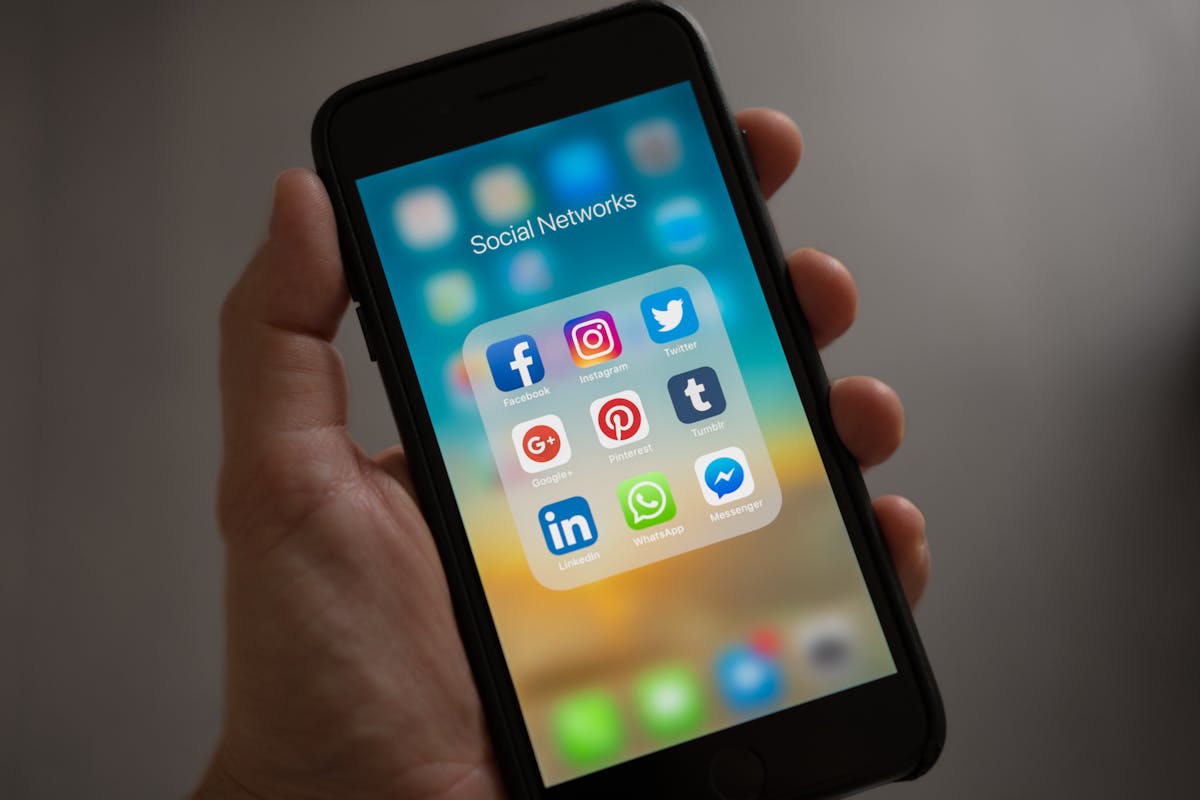
Capture leads from Instagram without Linktree. Use AI conversations to convert followers into leads, subscribers, and clients.
Why Link-in-Bio Tools Don't Actually Convert
Link-in-bio tools like Linktree, Stan Store, and Beacons give your Instagram followers a list of links. That's it. No conversation, no qualification, no context. A follower taps your bio link, sees 8 options, picks one (maybe), and leaves. The average Linktree page converts at under 3% — and that's just clicks, not actual conversions like email signups or booked calls.
The problem is structural. A link list treats every visitor the same. Someone who just watched your 10-minute Reel about pricing strategy gets the same experience as someone who randomly found your profile. There's no personalization, no momentum, and no conversion logic.
This guide shows you a better approach: using AI conversations to capture leads from Instagram at the moment of peak interest.
What Does "Capturing Leads From Instagram" Actually Mean?
Capturing leads from Instagram means converting followers and visitors into contacts you own — email addresses, phone numbers, booked calls — so you're not dependent on the Instagram algorithm to reach them. Every creator who relies solely on Instagram reach is building on rented land.
According to Social Insider's 2025 Instagram data, the average engagement rate on Instagram is 0.70%. That means for every 1,000 followers, only 7 engage with any given post. The followers you can't reach through the algorithm? You need another channel — and that channel is usually email.
The Traditional Instagram Lead Capture Stack
Here's what most creators cobble together:
Linktree (or similar) in bio — a list of links
Landing page (ConvertKit, Leadpages) — opt-in form for a lead magnet
ManyChat — DM automation for keyword triggers ("Comment GUIDE to get the free PDF")
Calendly — booking link for discovery calls
That's 4 tools, 4 subscriptions, and 4 disconnected experiences. And here's the worst part: none of them know what content brought the visitor in. They all treat every visitor as a blank slate.
How to Capture Instagram Leads With AI Conversations
ChatThis.ai replaces this entire stack with one Smart Link. Here's the step-by-step setup for Instagram.
Step 1: Create Content-Specific Smart Links
For each piece of Instagram content that drives traffic (Reels, carousels, stories), create a bot on ChatThis.ai:
Paste the content URL or text into ChatThis.ai
Choose your conversion goal: Lead, Meeting, Sale, Newsletter, or Follow
Get your Smart Link
The AI now knows the exact context of that content. When a follower clicks the link, the conversation picks up where the content left off.
Step 2: Use Your Smart Link as Your Bio Link
Replace your Linktree with a ChatThis.ai profile link. Your profile link (chatthis.ai/yourname) uses your bio and all your content sources as context. When someone taps your bio link, they land in a conversation — not a list of links.
The AI figures out what the visitor wants through conversation and directs them to the right outcome: newsletter signup, lead capture, meeting booking, or purchase.
Step 3: Add Smart Links to Reel CTAs
For high-performing Reels, create content-specific Smart Links and add them to:
Caption — "Continue this conversation: [Smart Link]"
Comment — Pin a comment with the Smart Link
Story link sticker — Share the Reel to Story with a Smart Link sticker
Each Smart Link knows the specific Reel the visitor just watched. The AI references it directly: "Hey! I see you just watched the Reel about pricing your coaching packages. Are you currently struggling with..."
Step 4: Replace "Comment [KEYWORD]" With Smart Links
ManyChat's keyword trigger system ("Comment GUIDE to get the PDF") works, but it has limits:
Only reaches existing followers (not profile visitors)
Scripted flow, not AI conversation
Can't qualify leads or handle objections
Instagram occasionally restricts DM automation
Smart Links work with anyone who can see your content — followers, non-followers, people who find you through Explore or Search. And the conversation is AI-driven, not a rigid script.
Why Conversations Convert Better Than Link Lists
The fundamental problem with link-in-bio tools is choice overload. You present 8 links and the visitor has to decide which one they want. Most don't decide at all — they leave.
The Paradox of Choice
Barry Schwartz's research on choice overload shows that more options lead to less action. A Linktree with 8 links doesn't give followers 8 opportunities — it gives them 8 reasons to hesitate. A conversation removes this friction entirely. The AI asks what the visitor needs and guides them to the right outcome.
Context Continuity
A follower who just watched your Reel about content monetization taps your bio link and sees... a generic list of links with no connection to what they just watched. The trust momentum from your content? Lost.
With a Smart Link, the conversation continues the context: "Great Reel on monetization! It sounds like you're looking to turn your content into revenue. Are you currently making money from your content, or just getting started?"
Progressive Qualification
A link list captures clicks. A conversation captures qualified leads. Through natural dialogue, the AI learns what the visitor needs, what they're struggling with, and whether they're ready to take action. That information goes to your dashboard — so when you follow up, you know exactly what to say.
Instagram Lead Capture: Old Way vs New Way
Aspect | Old Way (Link-in-Bio + ManyChat) | New Way (ChatThis.ai Smart Links) |
|---|---|---|
Bio link experience | List of 5-10 links | AI conversation that routes to outcomes |
Content awareness | None | AI knows what content the visitor consumed |
Qualification | None | AI qualifies through conversation |
Reach | Followers only (ManyChat DMs) | Anyone who sees the link |
Tools needed | Linktree + ManyChat + landing page + Calendly | ChatThis.ai (one tool) |
Setup time | Hours | Under 60 seconds per link |
Best Practices for Instagram Lead Capture
Create Smart Links for Your Top 5 Reels
Start with your highest-viewed Reels. These already have traffic — now give that traffic a conversion path. Create a Smart Link for each Reel with the appropriate goal (Lead, Meeting, Sale, or Newsletter).
Use Stories to Drive Smart Link Clicks
Instagram Stories with link stickers get significantly higher click-through rates than bio links. Share your best Reels to Stories and add a Smart Link sticker with a CTA: "Want to keep talking about this? Tap here."
Match Goals to Content Types
Educational Reels → Newsletter goal (grow your list)
Testimonial/results Reels → Meeting goal (book calls)
Product-focused Reels → Sale goal (drive purchases)
Broad awareness Reels → Lead goal (capture for nurture)
Pin a Smart Link Comment on Every Reel
Pin a comment with your Smart Link on every Reel. The CTA should reference the content: "Want the full breakdown? Continue this conversation here: [Smart Link]." This catches viewers at peak engagement — right after watching.
Frequently Asked Questions
Does this work if I have a small following?
Yes — and it's arguably more important with a small following. When you have 500 followers instead of 500K, every follower matters more. Converting even 5% of 500 followers into email subscribers gives you 25 people you can reach directly, regardless of algorithm changes.
Can I still use Linktree alongside ChatThis.ai?
You can, but you probably won't want to. ChatThis.ai's profile link handles everything Linktree does — plus it adds conversation, qualification, and content context. The only reason to keep Linktree is if you need a static list of links for reference (like press pages or legal links).
What about Instagram's DM automation rules?
Smart Links don't use Instagram's DM system. They're regular links that open in the browser. This means they're not subject to Instagram's DM automation policies. You're not automating DMs — you're linking to a conversation on your own domain.
How do I track which Instagram content drives the most leads?
Each Smart Link has its own analytics in your ChatThis.ai dashboard. You can see exactly how many conversations, conversions, and leads each link generated — mapped to the specific content piece. This tells you which Reels, carousels, or stories are actually driving revenue, not just views.
Turn Your Instagram Into a Lead Generation Machine
Instagram is where your audience discovers you. But discovery doesn't pay the bills — conversion does. Stop sending followers to a list of links and start sending them into conversations that capture leads, book meetings, and drive sales.
Try ChatThis.ai for free and see what happens when your Instagram bio link actually converts.
Related reading:
Previous post: